

Services
Section titled “Services”Services is OKTO’s unified workspace for planning gatherings and coordinating the people who make them happen. Planner, Teams & Volunteers, Templates, and Settings all live together in one place, so you can move between them instantly without navigating to separate pages. Start with the outcome you need, then use the reference sections below when you need more detail.
Start with a goal
What do you want to do?
Choose the outcome that matches the work in front of you. You can come back to the deeper reference sections when you need details.
Plan upcoming services
Create upcoming dates, work across multiple gatherings, and focus into one service when it is time to build the run of show.
Build a reusable run of show
Create a plan once in the Plan Library and attach it to the service dates that should use it.
Coordinate teams & volunteers
Set up service teams, positions, availability, and staffing before the gathering begins.
Use templates
Manage reusable service structures for recurring gatherings and common planning patterns.
Recommended flow
A good first workflow
- Create or generate the upcoming service dates you need.
- Build or select a reusable plan and attach it to the right service date.
- Adjust timing for that occurrence and review the run of show.
- Staff teams and positions, then review Service Readiness.
- Share the persistent plan link with the team or export a PDF when needed.
Plan upcoming services
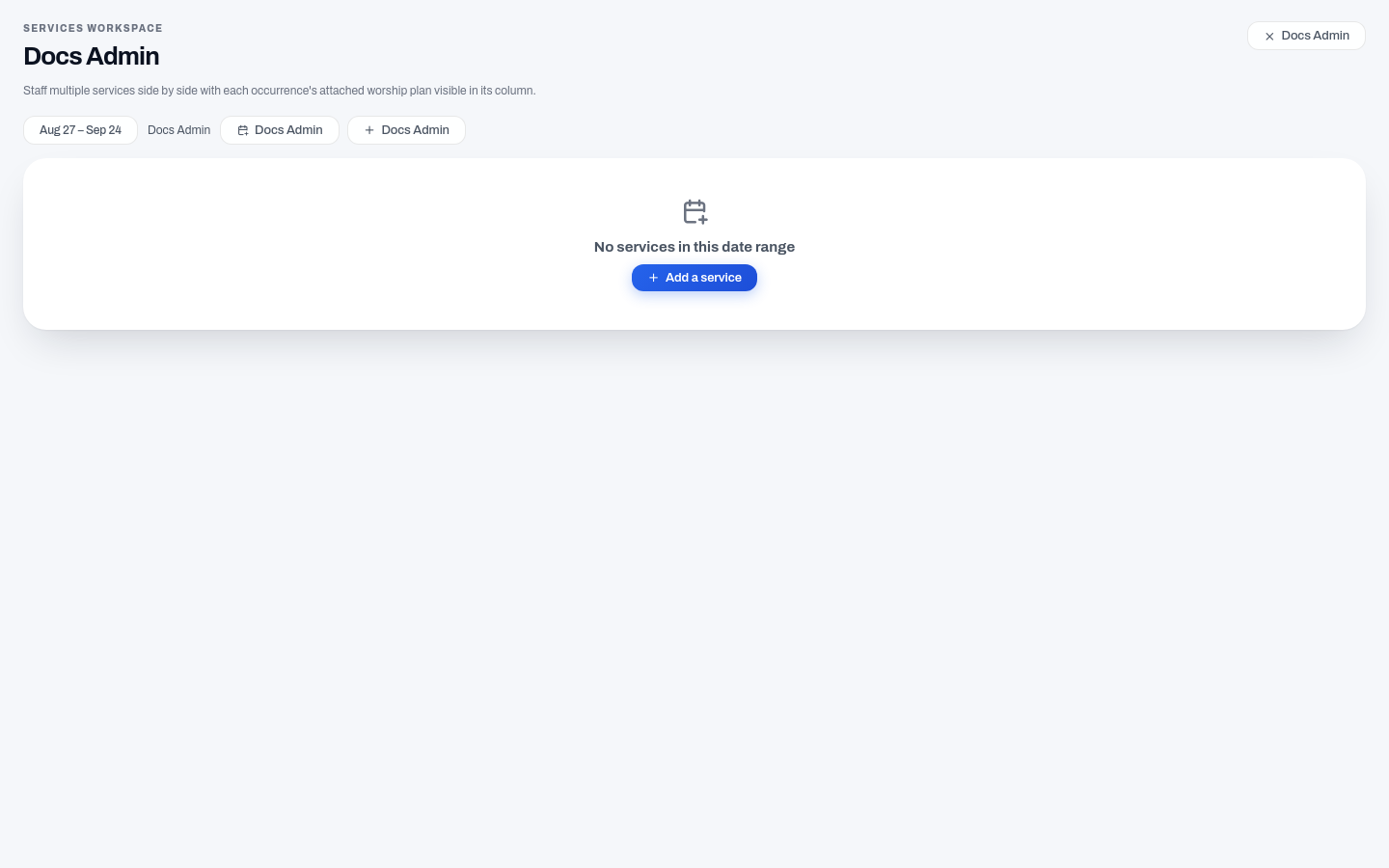
Section titled “Plan upcoming services”Use Planner to work across upcoming service dates or focus on one service at a time. The multi-service view lets you see and prepare several gatherings side by side, so you can plan and staff multiple services in a single session without switching contexts.
When you are planning ahead for a season or series, bulk generation lets you create multiple service dates in one step instead of adding each one by hand.
For an individual service, build its order of show and review the plan for that occurrence. Timing belongs to the service occurrence, so the same reusable plan can support different dates without forcing every service to share identical timing.
Reuse service plans
Section titled “Reuse service plans”The Plan Library keeps reusable service plans separate from specific service dates. Build or edit a run of show in the Plan Builder, then attach that plan to any service date that should use it. Each occurrence gets its own schedule and timing, so attaching the same plan to multiple dates does not lock every service into identical timing.
This is useful for recurring structures, special events, or any gathering where you want to start from an established plan instead of rebuilding the order from scratch.
Share the current run of show
Section titled “Share the current run of show”Every service plan has a persistent share link. Send the link once and your team can always return to the current version of that plan — there is no need to send a new file each week or after an update is made.
When you do need a file, you can export the service plan as a PDF.
Coordinate teams and volunteers
Section titled “Coordinate teams and volunteers”Teams & Volunteers brings service teams, positions, volunteers, availability, and serve requests into the Services workspace. A team can be linked to an existing OKTO Group or managed as a standalone service team.
Use this area to maintain team positions and the people available to serve before assigning them to upcoming services.
Service Readiness
Section titled “Service Readiness”Service Readiness gives you a quick view of whether a service is actually prepared. The readiness indicator reflects real plan and staffing information: a service with no staffed positions will not appear fully ready simply because a plan is attached. People need to be scheduled to serve before the service is shown as ready.
Production, media, and timing readiness are not yet scored as separate readiness dimensions, so OKTO does not surface those signals when the underlying tracking data is not available.
Templates
Section titled “Templates”Services includes template management for reusable service structures. Template creation and editing are available; applying a template directly to pre-populate a brand-new plan is not yet part of the current workflow.