

Reports & Analytics
Section titled “Reports & Analytics”Reports & Analytics turns OKTO’s operational data into views that support ministry decisions, finance work, planning, and administrative follow-up.
Start with a goal
What do you want to do?
Choose the outcome that matches the work in front of you. You can come back to the deeper reference sections when you need details.
Run an operational report
Use Reports for the current operational views available to your organization and verify the source data before drawing conclusions.
Understand a trend
Use Trends when you need to see how ministry or operational metrics are changing over time.
Track goals
Use Targets to compare current performance with goals your organization is actively monitoring.
Use AI-assisted insights
Use AI Insights for decision support, then verify important conclusions against the underlying records.
Recommended flow
A good first workflow
- Start with the question or decision the report needs to support.
- Confirm the source module, date range, statuses, and underlying records are appropriate.
- Use reports or trends to understand the data before comparing against targets.
- Treat AI-assisted insights as decision support and verify important conclusions before acting.
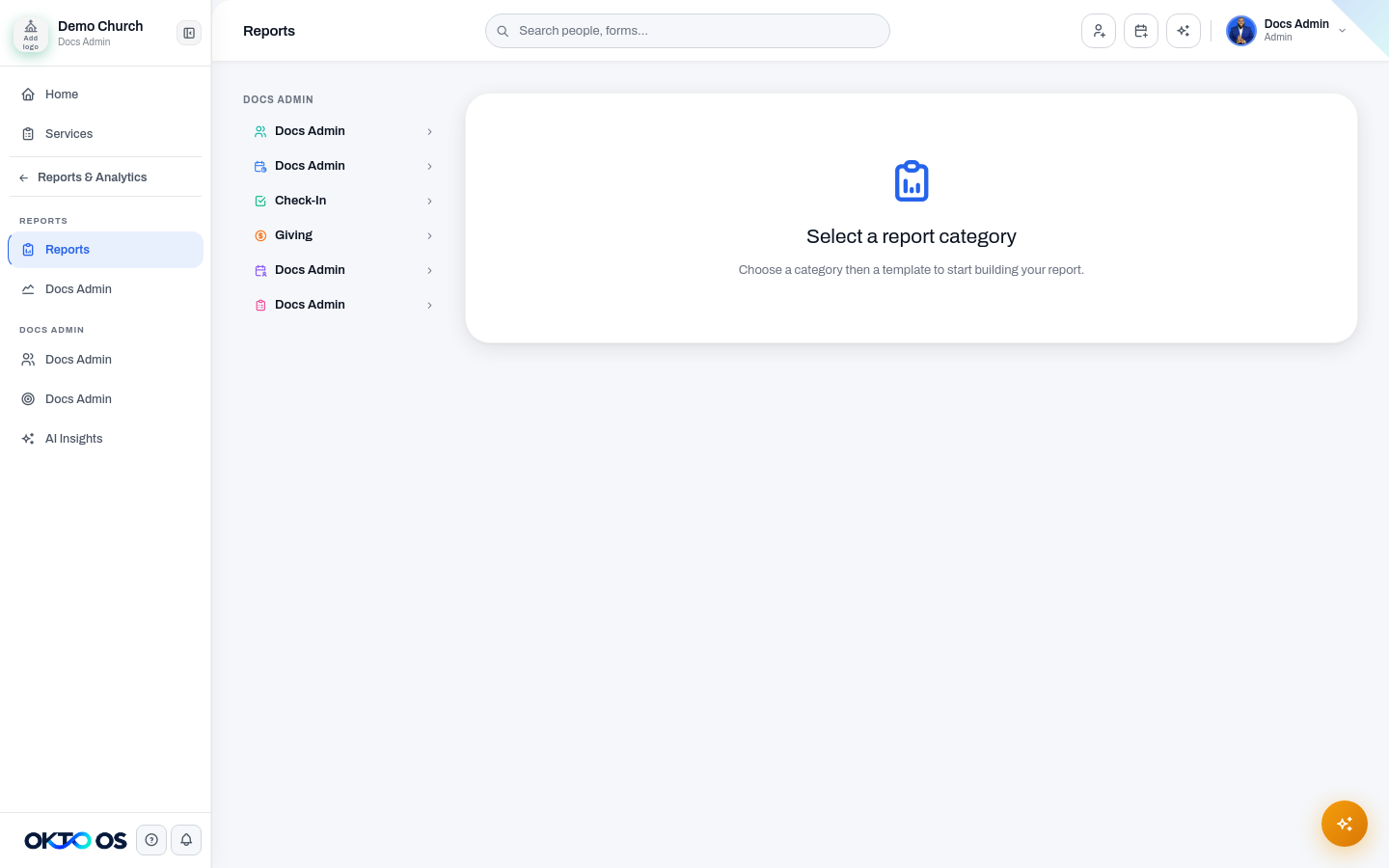
Reports
Section titled “Reports”Use Reports to run the operational reports available to your organization. Report usefulness depends on the source modules being used consistently, so confirm the relevant date range, statuses, and underlying records before drawing conclusions.
Trends
Section titled “Trends”Use Trends when you need to understand how key ministry or operational metrics are changing over time rather than looking at one point-in-time report.
Use Kids for analytics and reporting focused on kids-ministry activity when those workflows are enabled for your organization.
Targets
Section titled “Targets”Use Targets to compare current performance with goals your organization is tracking inside OKTO.
AI Insights
Section titled “AI Insights”Use AI Insights for assisted analysis of the data available to the reporting workspace. Treat generated insights as decision support: verify important conclusions against the underlying records before acting on them.
Exports and data handling
Section titled “Exports and data handling”Use available exports when information needs to be reviewed outside OKTO. Treat exported files as sensitive when they contain people, giving, attendance, or engagement information, and share them only with staff who need access.