

Integrations
Section titled “Integrations”Integrations connect OKTO to the systems your church already uses. Each connection should have a clear owner, an understood permission scope, and a documented purpose.
Start with a goal
What do you want to do?
Choose the outcome that matches the work in front of you. You can come back to the deeper reference sections when you need details.
Connect Google services
Set up and manage the Google services supported by your organization, including Calendar, Drive, Meet, and related experiences.
Use Google Calendar
Understand the calendar connection and the scheduling workflows that depend on it.
Use Drive and Meet
Work with connected Drive and Meet experiences where those services support OKTO workflows.
Troubleshoot permissions
Review connection ownership, scopes, security, and common integration problems before reconnecting or expanding access.
Recommended flow
A good first workflow
- Define why the integration is needed and who owns it.
- Connect the provider using only the permissions required for the workflow.
- Test the specific OKTO workflow that depends on the connection.
- Document ownership and review security or troubleshooting guidance before changing scopes.
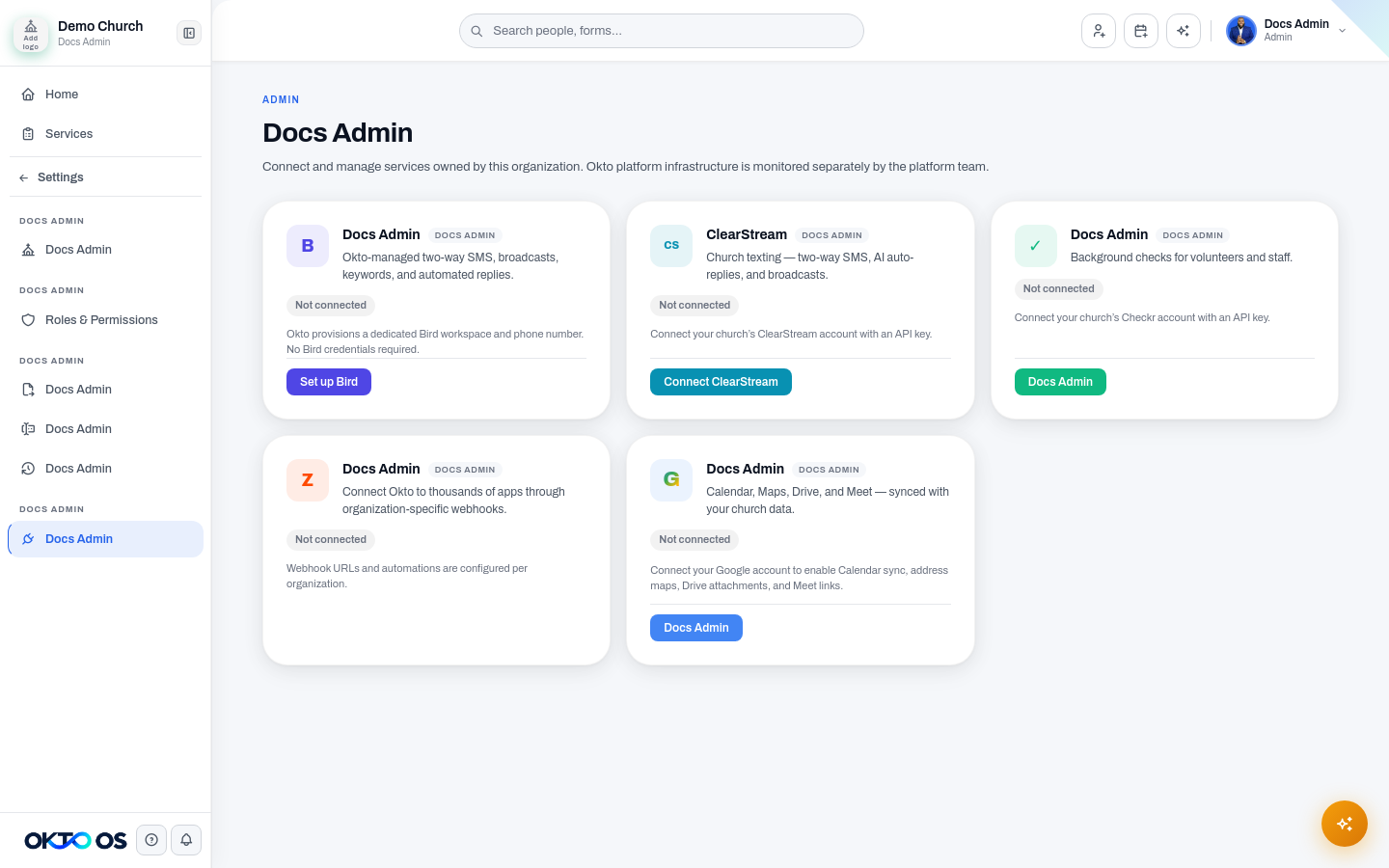
Google services
Section titled “Google services”The legacy documentation contains substantial guidance for organization-level Google services, including Calendar, Drive, Meet, and Maps-related experiences.
- Connect and manage Google services
- Use Google Calendar
- Use Drive and Meet
- Security and troubleshooting
Other integrations
Section titled “Other integrations”OKTO can support additional providers for giving, communications, background checks, automation, and other church workflows. Because provider availability and provisioning can change, provider-specific documentation should live in its own article only after the connection is verified in the current product.