

Mailing Lists
Section titled “Mailing Lists”Mailing Lists organize people into named subscriber groups for targeted communication. A list can represent a newsletter, ministry, volunteer team, event audience, or any reusable communication segment.
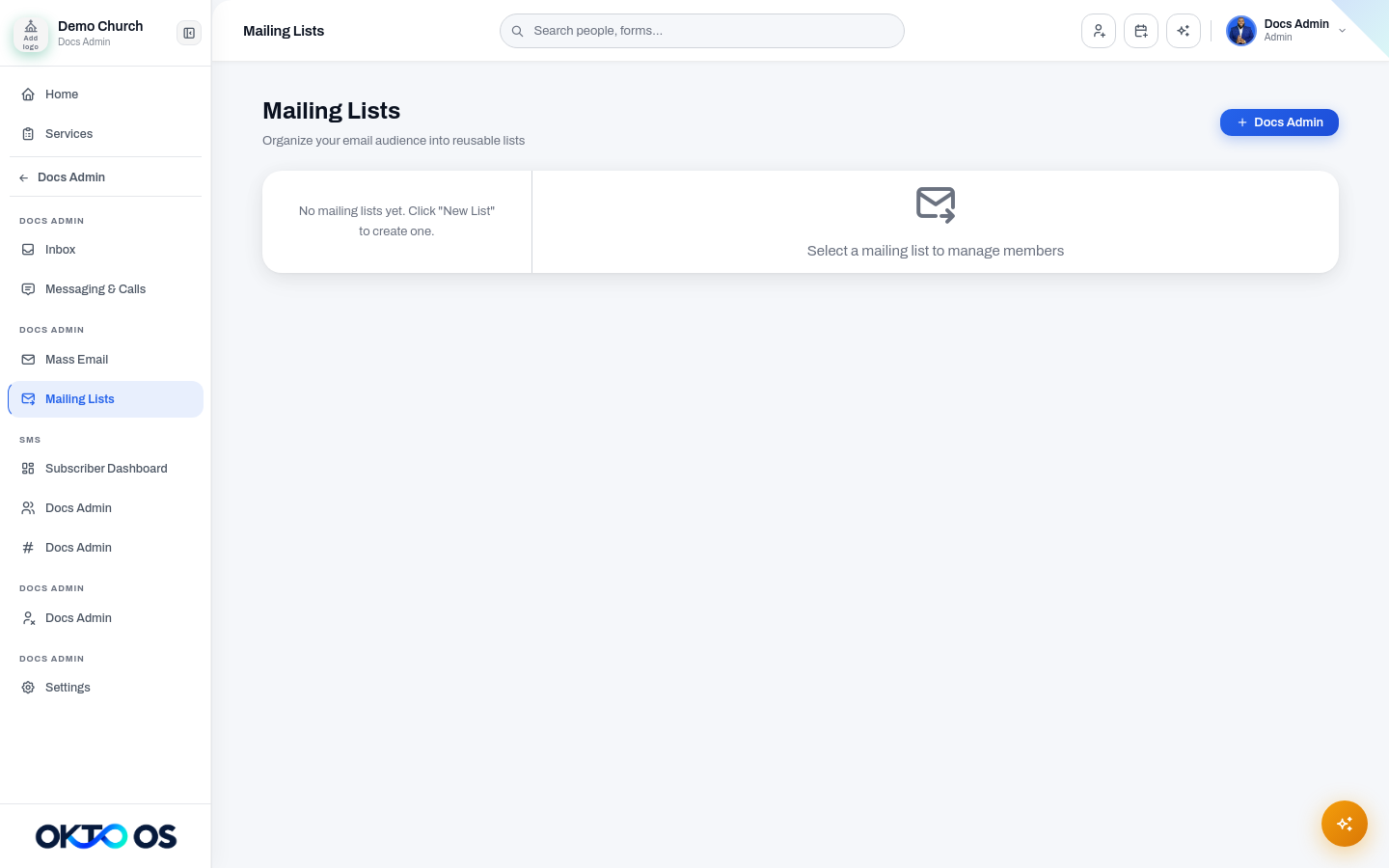
Create a list
Section titled “Create a list”- Open Communications → Mailing Lists.
- Choose New List.
- Enter a clear name and, when useful, a description.
- Create the list and begin adding members.
Edit a list
Section titled “Edit a list”Select the list and edit its name or description. Renaming a list should not change its subscribers.
Review members
Section titled “Review members”The member area shows the people subscribed to the selected list. Removing a person from a list removes only that subscription; it should not delete the person’s OKTO profile or affect unrelated lists.
Delete a list
Section titled “Delete a list”Deleting a list removes the list and its subscriber relationships. Use deletion only when the audience is no longer needed; if the list may be useful later, consider renaming or documenting it as inactive instead.