

People Directory
The People Directory gives staff an at-a-glance view of the congregation and a fast way to find the right record.
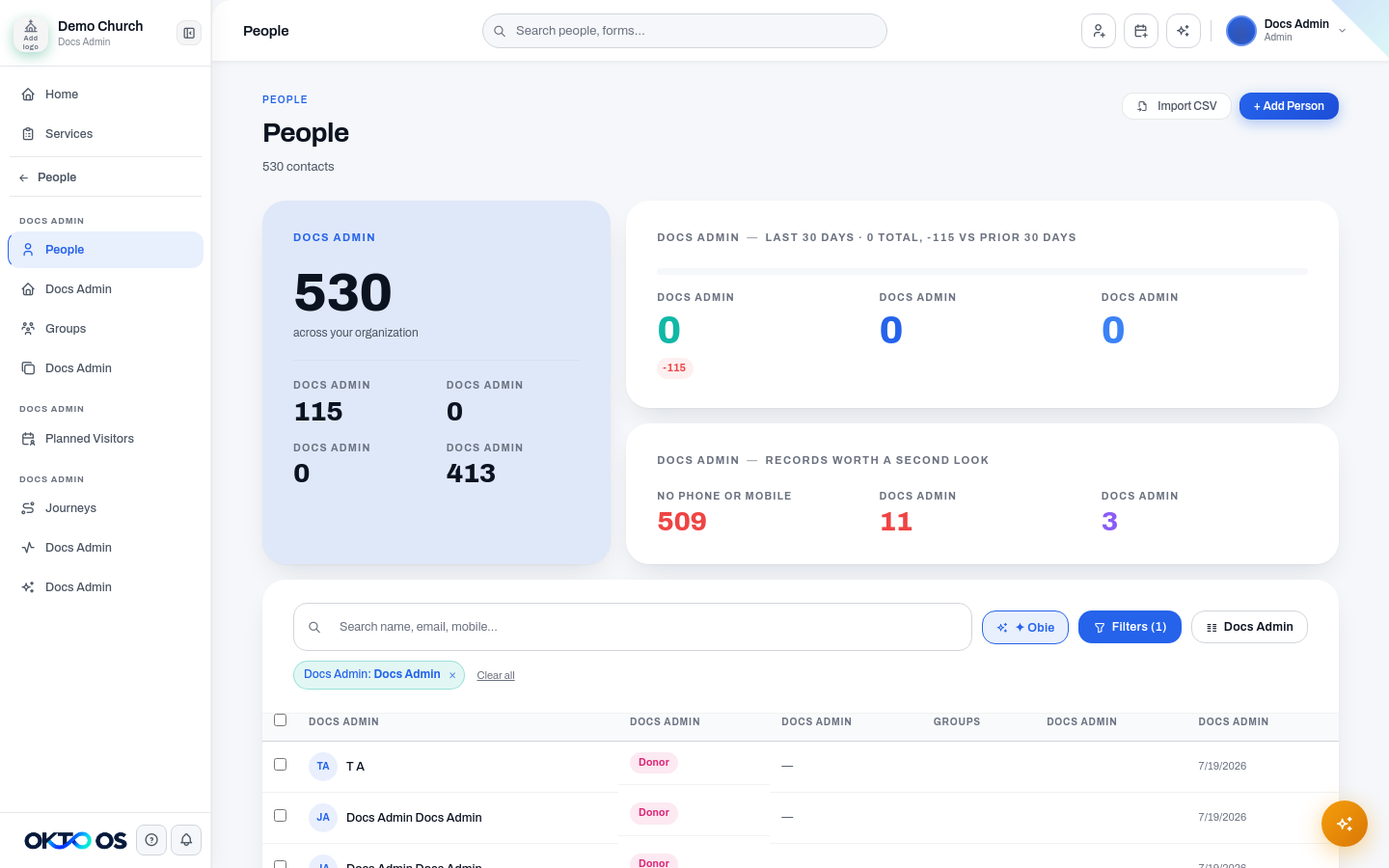
Membership status summaries
Section titled “Membership status summaries”Status summary cards provide quick counts for the major membership states represented in your database. Depending on your data, you may see statuses such as:
- Member
- Regular
- Visitor
- Staff
- Inactive
- Former
Selecting a status filters the people table. That status can be combined with other filters so staff can answer questions such as “Which visitors are connected to this campus?” without running a separate report.
Search and filters
Section titled “Search and filters”Use the directory search to locate a person by the identifying information available in their record. Filters can be combined to narrow the list for ministry or administrative workflows.
The directory is intended to be an operational workspace, not only a database export. Once you find the right person, open their profile to review more context or take the next action.
Universal search
Section titled “Universal search”OKTO’s global search can also surface people from outside the People module. This is useful when you need to open a person’s profile while working elsewhere in the application.
Next step
Section titled “Next step”See Person Profiles for the information and relationship history available after opening a person record.