

Connect Google Services
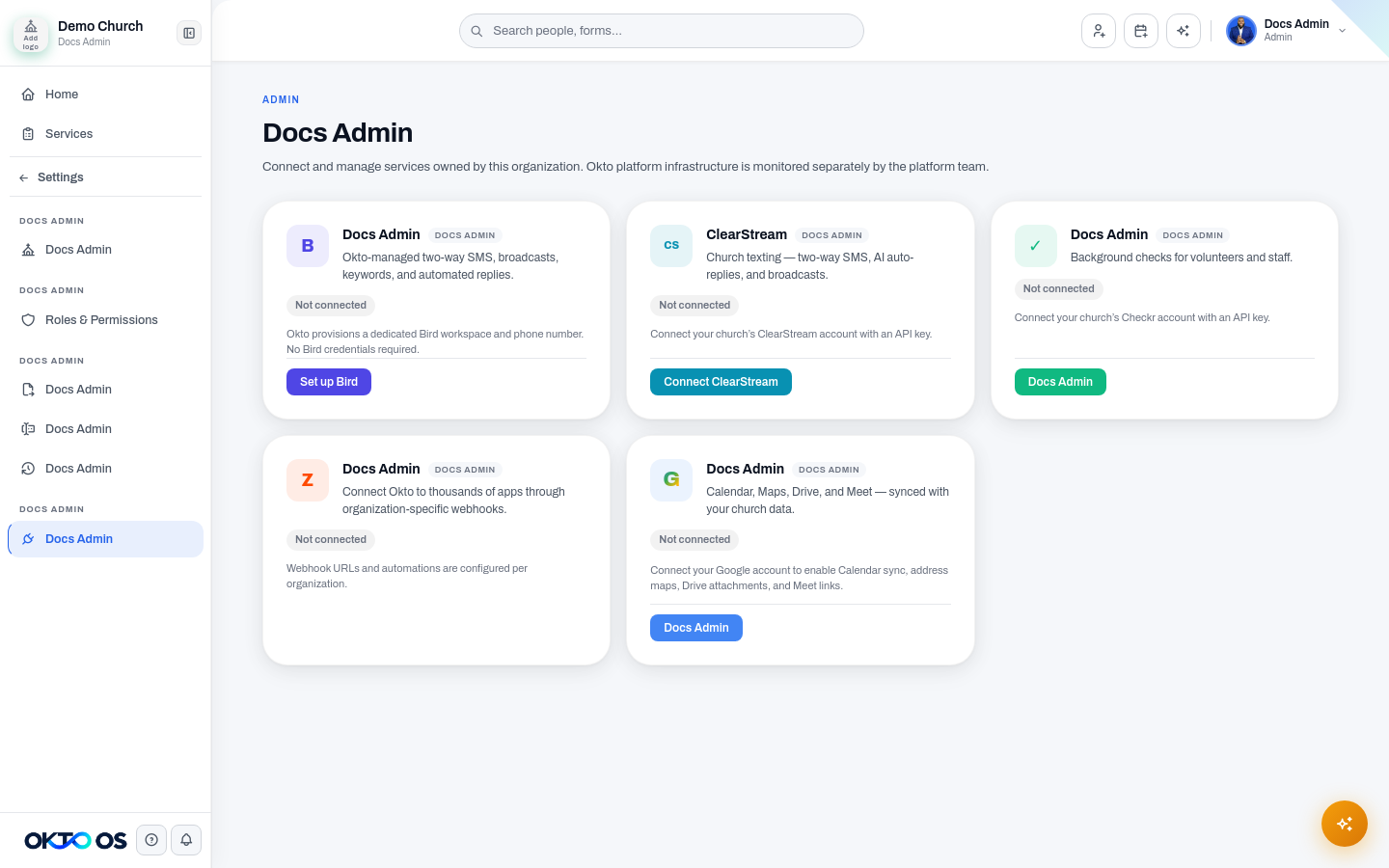
Section titled “Connect Google Services”Google services are configured at the organization level. This is separate from using Google as an individual sign-in method.
What the connection can enable
Section titled “What the connection can enable”Depending on your OKTO configuration, Google can support:
- Calendar for syncing relevant dates and plans
- Drive for linking files stored in Google Drive
- Meet for generating or storing meeting links
- Maps / Places for location context and address experiences
Connect the organization account
Section titled “Connect the organization account”- Open Settings → Integrations.
- Find the Google integration.
- Start the connection flow.
- Sign in to the Google account your organization intends to use.
- Review the requested permissions before approving them.
- Return to OKTO and confirm the connection status.
An administrator should own this connection because it can authorize organization-wide behavior.
Enable only what you use
Section titled “Enable only what you use”If OKTO exposes service-level toggles, enable only the Google capabilities your team needs. Turning off a feature should stop new activity for that capability without requiring the organization to disconnect every Google service.
Disconnecting
Section titled “Disconnecting”Disconnecting removes OKTO’s ability to perform new actions through the stored Google connection. Existing links or previously created Google content may remain in Google and may still be referenced from historical OKTO records.