

Roles & Permissions
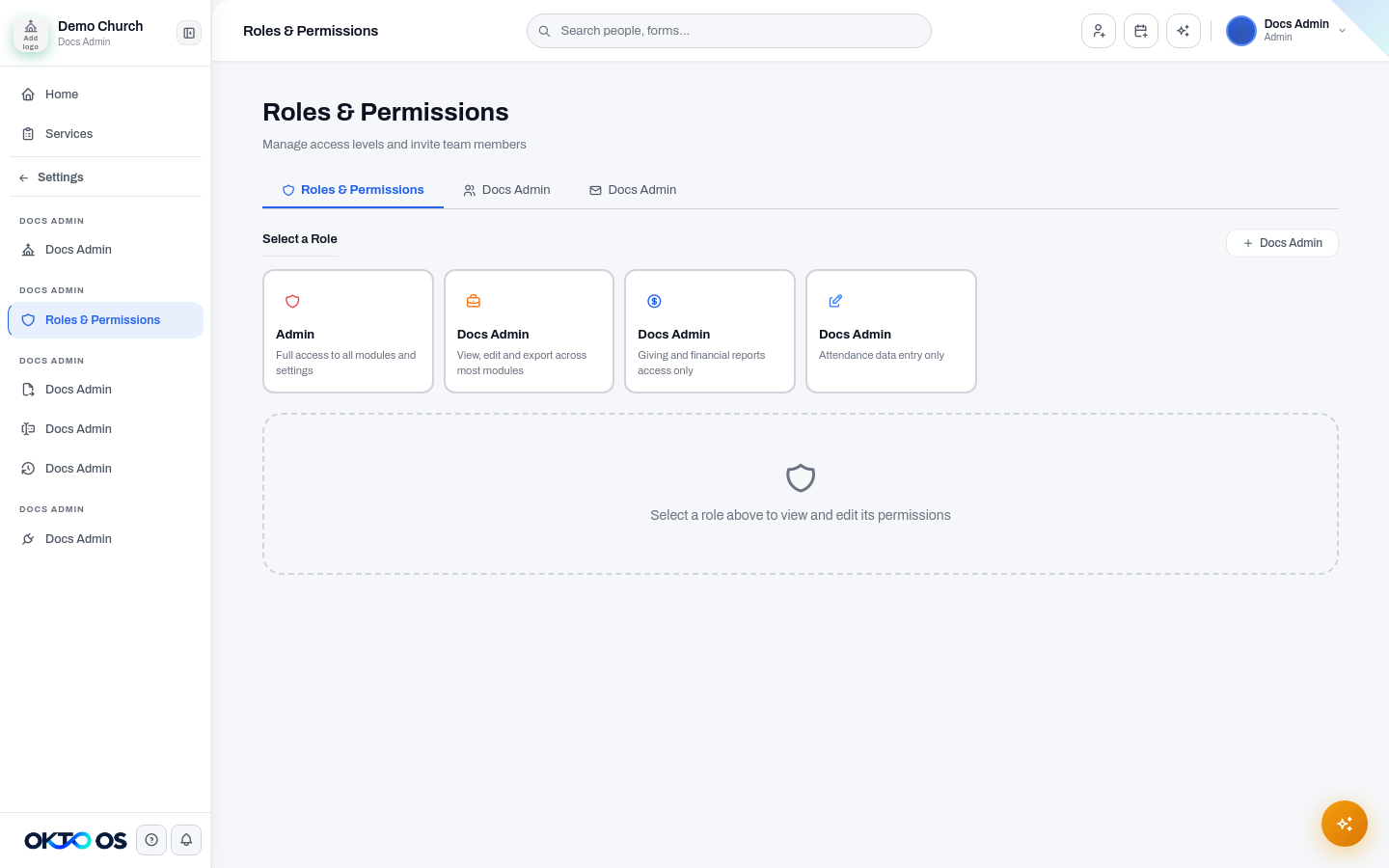
Section titled “Roles & Permissions”Roles & Permissions is the access-control center for an OKTO organization. It determines which modules and actions a team member can use.
Predefined roles
Section titled “Predefined roles”The legacy system documented four common starting roles:
| Role | Typical use |
|---|---|
| Admin | Platform owners and senior leaders who need broad administrative access |
| Manager | Ministry or operations leaders who manage day-to-day work |
| Finance | Team members who need approved financial access |
| Data Entry | Staff or volunteers who maintain selected operational records |
Treat these as starting points. Your organization should verify the actual permissions assigned to each role rather than assuming a role name guarantees a fixed module set.
Permission matrix
Section titled “Permission matrix”Where supported, permissions can be controlled by module and action—for example viewing, editing, exporting, or deleting. Sensitive actions should be granted more narrowly than read access.
Custom roles
Section titled “Custom roles”Create a custom role when a team member’s responsibilities do not fit a predefined role. Give the role a clear name that describes the job or ministry function, then enable only the permissions that role requires.
Changing a role
Section titled “Changing a role”Role changes can affect navigation and available actions immediately. Before changing a person’s role, review any custom permissions or overrides that may also affect their effective access.