

Mobile App
Section titled “Mobile App”The OKTO Mobile App is the member-facing experience configured by your organization. Public content can be browsed without forcing every visitor to sign in, while member-aware features can ask for authentication when identity is actually needed.
Start with a goal
What do you want to do?
Choose the outcome that matches the work in front of you. You can come back to the deeper reference sections when you need details.
Shape the app navigation
Use App Builder to control branding, tabs, navigation, and the member-facing structure of the app.
Publish member content
Use the Content Library, Media, Events, Bible content, and other configured destinations to keep the app useful and current.
Manage app users
Understand which experiences are public and which require a signed-in member identity.
Send notifications
Manage notification enrollment and the push-notification experience available to supported signed-in members.
Recommended flow
A good first workflow
- Configure branding and primary tabs in App Builder.
- Publish the content members should be able to reach from those tabs.
- Decide which experiences should remain public and which require sign-in.
- Configure notifications and test the installable app experience on supported devices.
Navigation and content
Section titled “Navigation and content”The tabs configured in App Builder determine the main member navigation. Depending on your organization’s setup, the app can surface experiences such as Media, Events, Giving, custom content, Bible content, and Leadership.
When more tabs are configured than fit in the primary tab bar, the remaining destinations are available through a More screen rather than being squeezed into the main navigation.
Sign-in and member-only features
Section titled “Sign-in and member-only features”Public content can remain accessible without authentication. Features that depend on a member identity can ask the person to sign in inline instead of sending them away from the mobile experience.
Member-aware areas can include account information, messages, groups, and other organization-specific gated experiences.
Notifications
Section titled “Notifications”Signed-in members can enroll in push notifications when their browser and device support them. OKTO can offer a notification opt-in prompt and also provides notification-related account controls for the member experience.
Installable app experience
Section titled “Installable app experience”OKTO attaches the organization’s app manifest and service worker to the mobile experience so it can be installed to a supported device. App name, icon treatment, and theme configuration come from the organization’s mobile-app settings.
Manage the app from the staff workspace
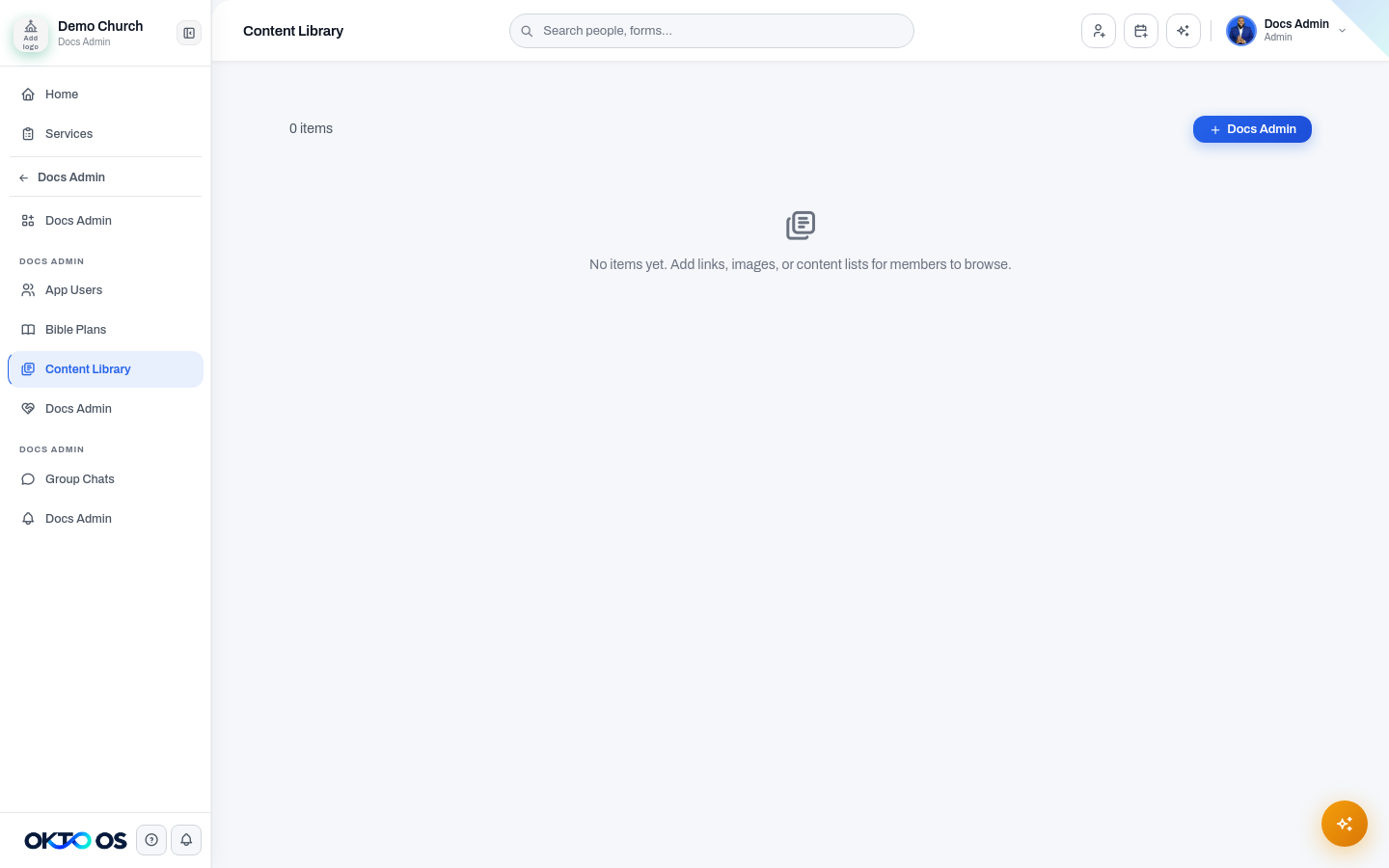
Section titled “Manage the app from the staff workspace”Use the Mobile App section of the staff workspace to manage App Builder, App Users, Bible Plans, Content Library, Prayer Wall, Group Chats, and Notifications. Use the shared Media module for sermon and media content that appears in the app.
Related documentation
Section titled “Related documentation”Use App Builder when you need to change branding, tabs, navigation, or the build and deployment configuration.