

Check-In
Section titled “Check-In”OKTO Check-In supports different attendance workflows because a Sunday service, a kids environment, and a conference do not need the same experience. Choose the check-in experience that matches the gathering you are operating.
Start with a goal
What do you want to do?
Choose the outcome that matches the work in front of you. You can come back to the deeper reference sections when you need details.
Run service check-in
Use a fast attendance workflow for recurring worship services and gatherings where person-level attendance is useful.
Set up kids check-in
Work with family check-in, rooms, safety information, security labels, and parent communication.
Check in event attendees
Use event-specific rosters, walk-ins, and attendance for conferences, summits, and registered events.
Run a kiosk or paging station
Configure focused self-service or staff-assisted check-in and parent-paging workflows.
Recommended flow
A good first workflow
- Choose the check-in type that matches the gathering.
- Confirm rooms, rosters, labels, or service details needed for that experience.
- Test the staff-assisted or kiosk flow before doors open.
- Run check-in and keep attendance connected to the People records when person-level identity is captured.
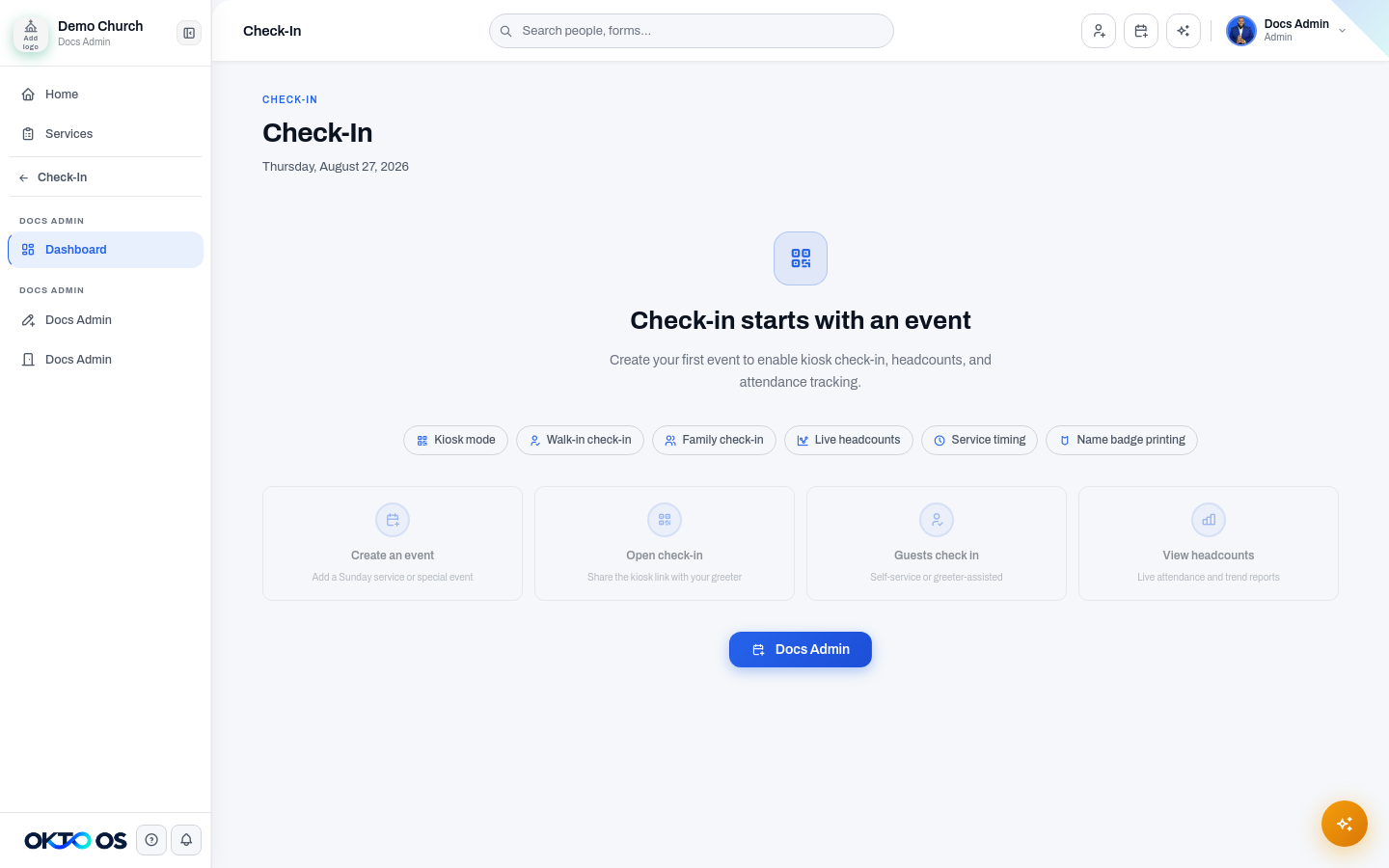
Check-in types
Section titled “Check-in types”General Service
Section titled “General Service”Designed for recurring worship services and other gatherings where the priority is fast attendance capture. See General Service Check-In.
Kids Check-In
Section titled “Kids Check-In”Designed for family-based check-in, room assignment, safety information, security labels, and parent communication. See Kids Check-In.
Event Check-In
Section titled “Event Check-In”Designed for conferences, summits, and other registered events where teams need attendee rosters, walk-ins, and event-specific attendance. See Event Check-In.
Kiosk and staff-assisted workflows
Section titled “Kiosk and staff-assisted workflows”A check-in experience can also be presented as a focused station for self-service or staff-assisted use. See Kiosk mode and parent paging for operational guidance.
Related data
Section titled “Related data”Check-In connects to the People database so attendance can become part of a person’s broader relationship history. New or walk-in attendees can be captured without forcing staff to leave the check-in workflow.