

Facilities
Section titled “Facilities”Facilities centralizes the property and operations workflows used to keep church spaces, equipment, rentals, and maintenance work organized.
Start with a goal
What do you want to do?
Choose the outcome that matches the work in front of you. You can come back to the deeper reference sections when you need details.
Manage a rental request
Use Rentals and the facility calendar to coordinate external bookings and reduce scheduling conflicts.
Track a work order
Move maintenance and operational requests from intake through completion with structured status and work details.
Maintain assets proactively
Keep important equipment and property records organized and schedule preventive maintenance before issues become urgent.
Manage inventory and vendors
Keep facility supplies and service-provider context available to the operations team.
Recommended flow
A good first workflow
- Review the dashboard and calendar for current facility activity.
- Use the correct rental, work-order, or asset record instead of tracking work in free-form notes.
- Assign statuses, dates, facilities, assets, requesters, and vendors consistently.
- Use preventive maintenance and structured records to reduce reactive work over time.
Dashboard
Section titled “Dashboard”Use the Dashboard for a high-level view of current facility activity and operational work that needs attention.
Rentals and calendar
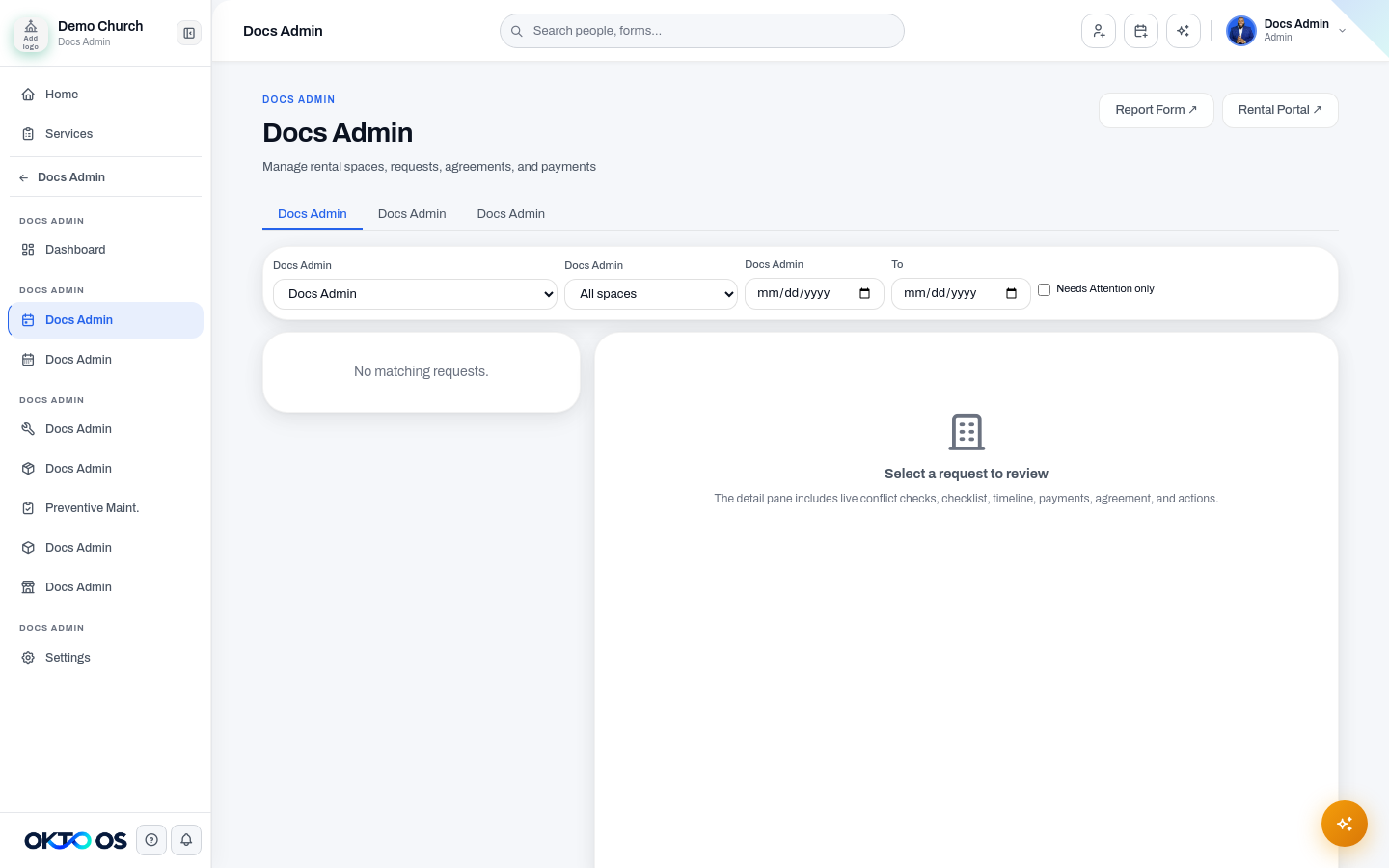
Section titled “Rentals and calendar”Use Rentals to manage facility-rental requests and the records connected to them. Use Calendar to review scheduled facility activity in time context and reduce conflicts between rentals, ministry use, and other bookings.
Work Orders
Section titled “Work Orders”Use Work Orders to track maintenance and operational requests from intake through completion. Keep the facility, requester, status, dates, and work details structured so open work is easy to prioritize and report on.
Assets and preventive maintenance
Section titled “Assets and preventive maintenance”Use Assets to maintain records for important facility equipment and property items. Use Preventive Maint. to plan recurring maintenance before equipment or facility issues become urgent work orders.
Inventory and vendors
Section titled “Inventory and vendors”Use Inventory for facility supplies or operational stock that needs to be tracked. Use Vendors to maintain the service-provider context used by facility operations.
Settings
Section titled “Settings”Use Facilities → Settings for the configuration that controls facility workflows for your organization.
Keep operational records structured
Section titled “Keep operational records structured”Whenever possible, use the appropriate facility, asset, requester, vendor, status, and date fields instead of storing the whole history in free-form notes. Structured facility data is easier to search, report on, and automate later.