

Person Profiles
A person profile is the primary workspace for understanding an individual’s relationship with your church.
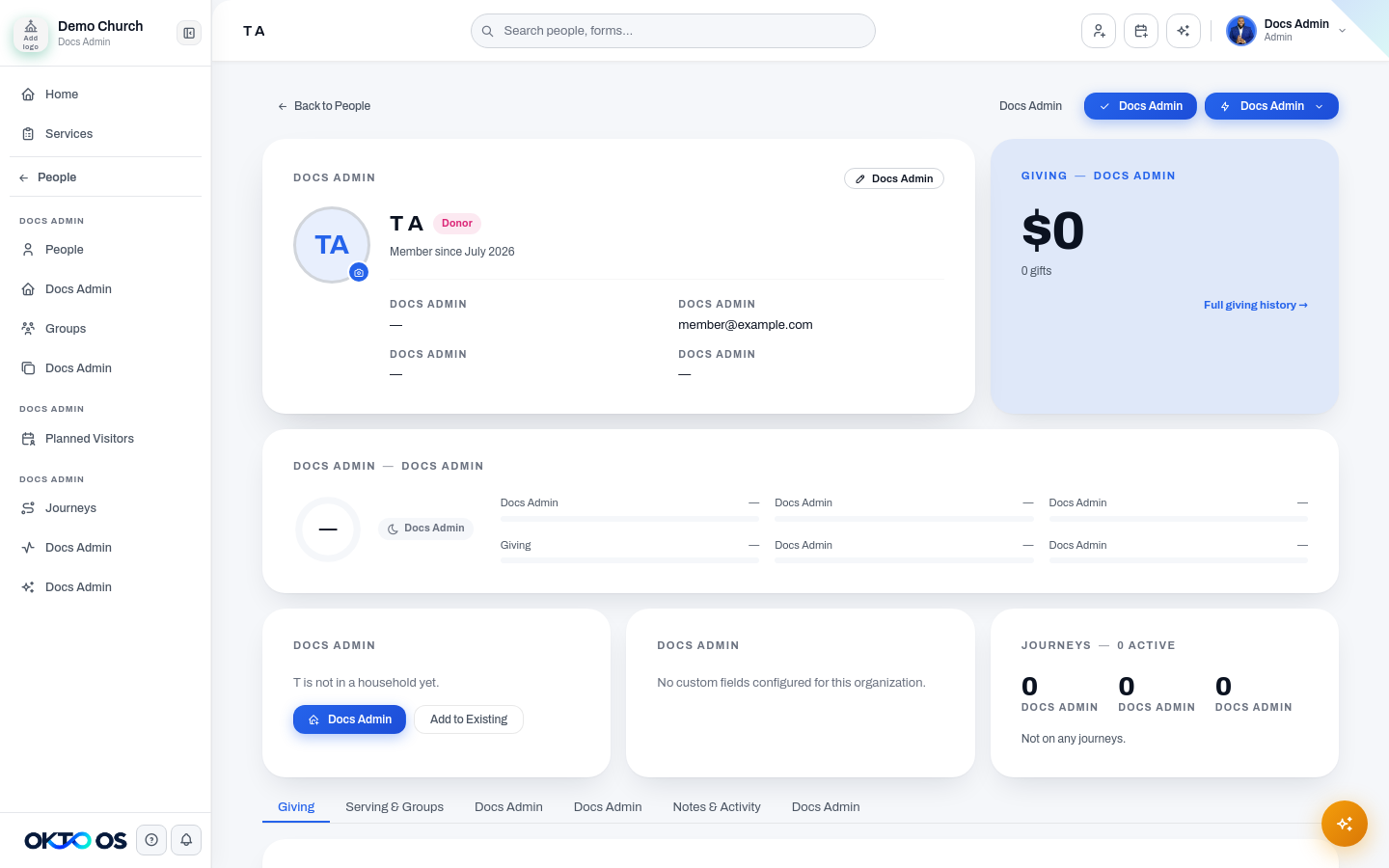
Membership journey
Section titled “Membership journey”Profiles can visualize movement through the church’s membership relationship, such as:
Visitor → Regular → Member
Staff status can be represented when applicable. Inactive or former records remain available for historical context without being presented as an active membership progression.
The purpose of the journey view is to give staff context quickly; the underlying membership status on the person’s record remains the source used by related People workflows.
Communications history
Section titled “Communications history”When communication data is available, the profile can provide a unified history of messages associated with that person. This helps staff understand recent outreach without searching multiple modules.
Communication history can include channel, date, message context, and delivery or engagement status depending on the communication type and connected provider.
See Communications for sending and configuration details.
Engagement context
Section titled “Engagement context”The profile can surface the person’s current engagement information and the signals available to your organization. Engagement information should be used as context for pastoral follow-up, not as a substitute for human judgment.
See Engagement for the current scoring model and supported signals.
Journeys
Section titled “Journeys”The Journeys area of a profile shows the follow-up or ministry journeys associated with that person, including active and previous enrollments where available.
Selecting a journey can take staff into the related Journeys workflow for stage and follow-up management.
Household relationships
Section titled “Household relationships”The Household area lets staff see or manage the family unit connected to the person. You can create a household, add the person to an existing household, assign household roles, and navigate to related people.
See Households for the full household workflow.